The ModernAstrophotographyControl Suite
Capture, automate, and analyze your deep-sky imaging sessions from a beautiful web interface. Open-source core with professional plugins for serious astrophotographers.
What you'll actually point at
Real targets, real coordinates, real distances — the kind of objects OpenSkyLab frames, solves, and guides on every clear night.
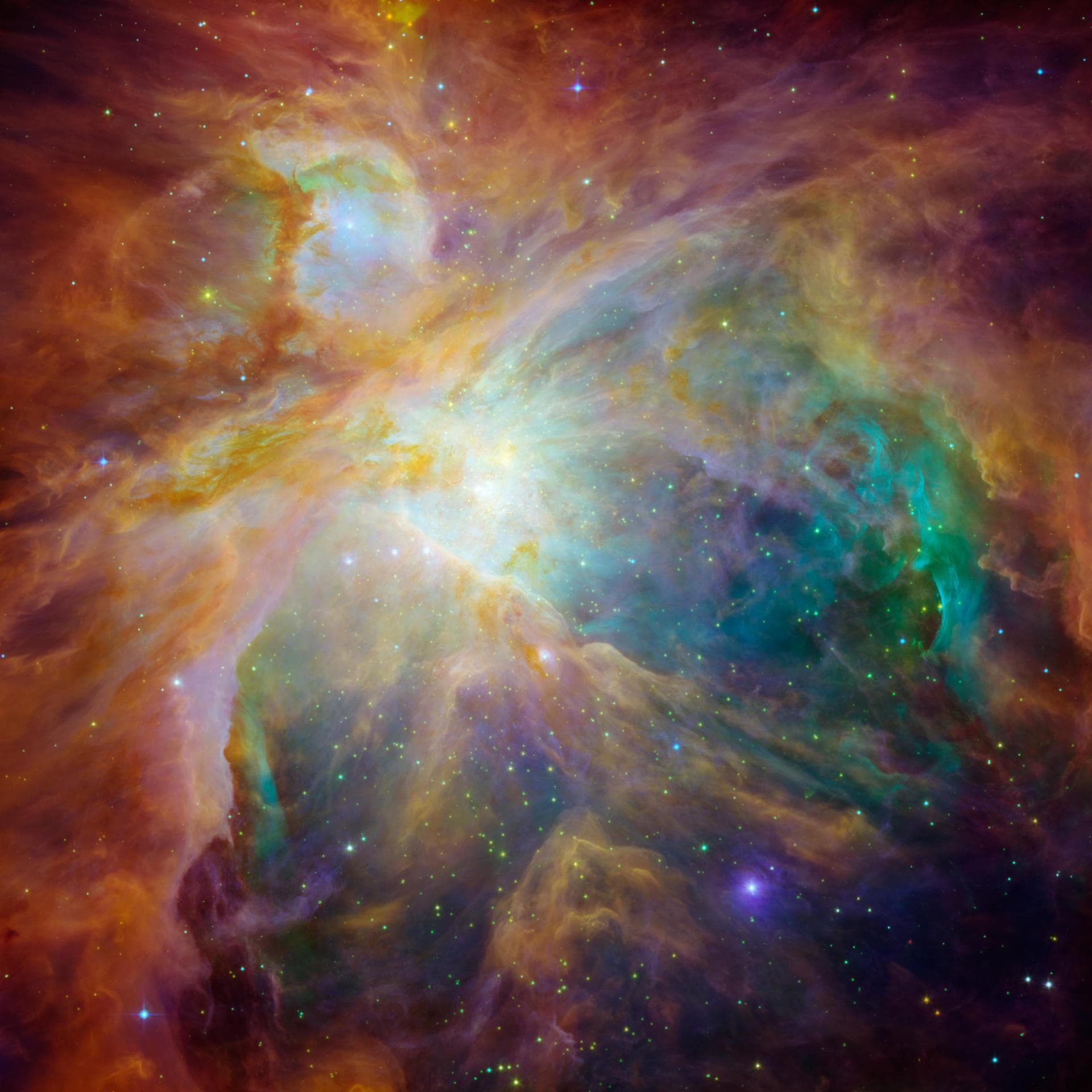
M42
Orion Nebula
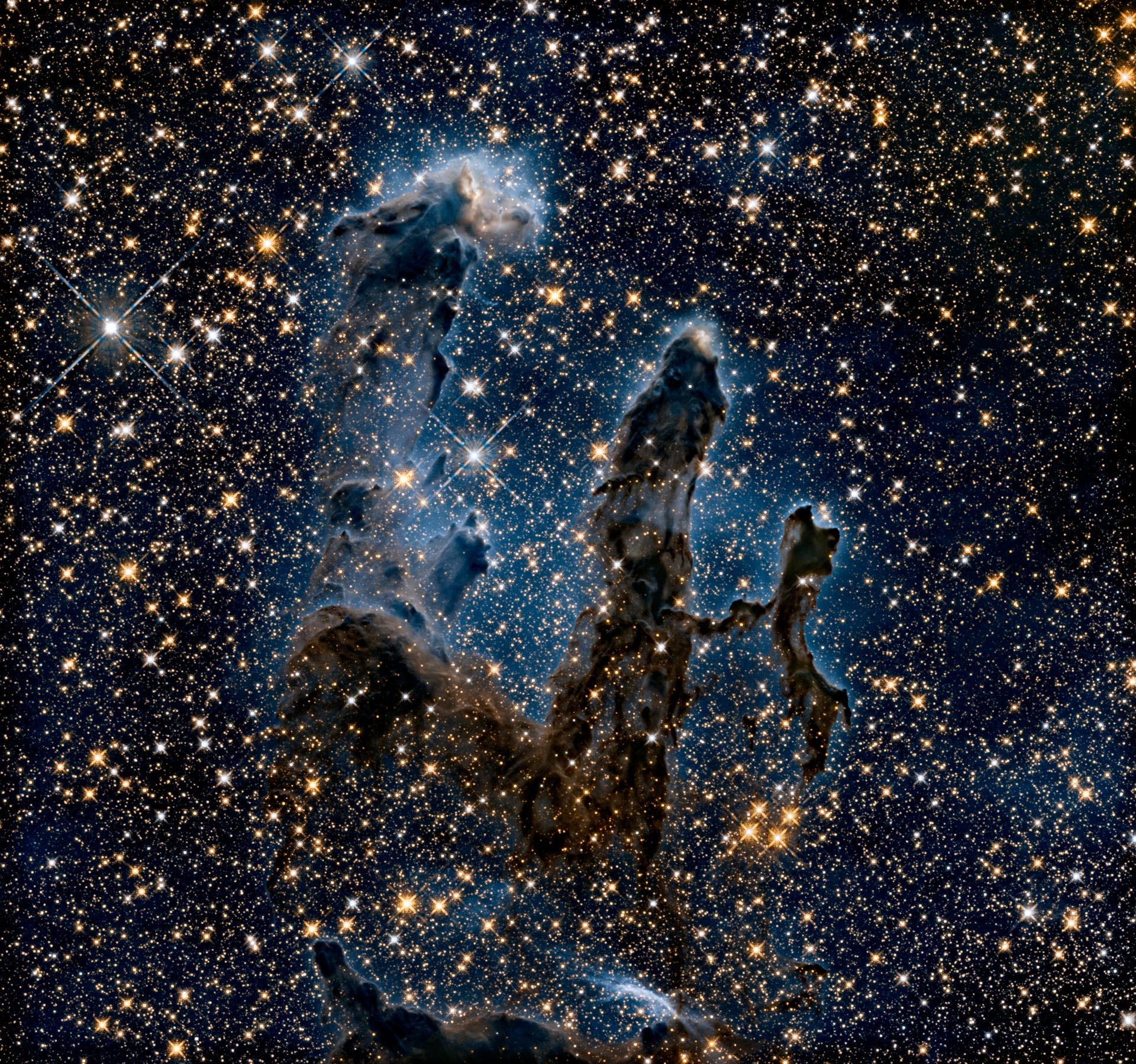
M16 — Eagle Nebula
Pillars of Creation
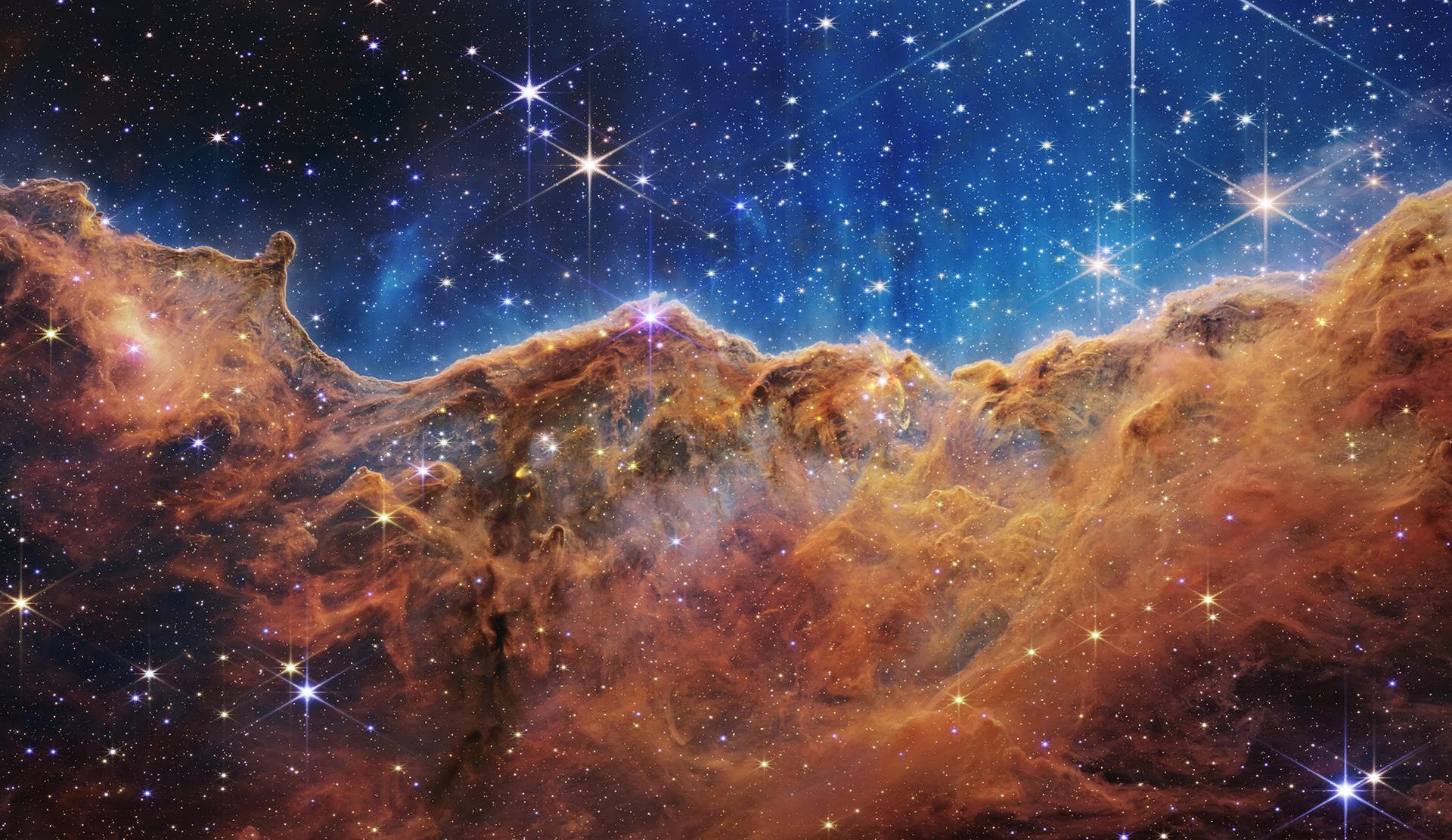
NGC 3372 — Carina Nebula
Cosmic Cliffs
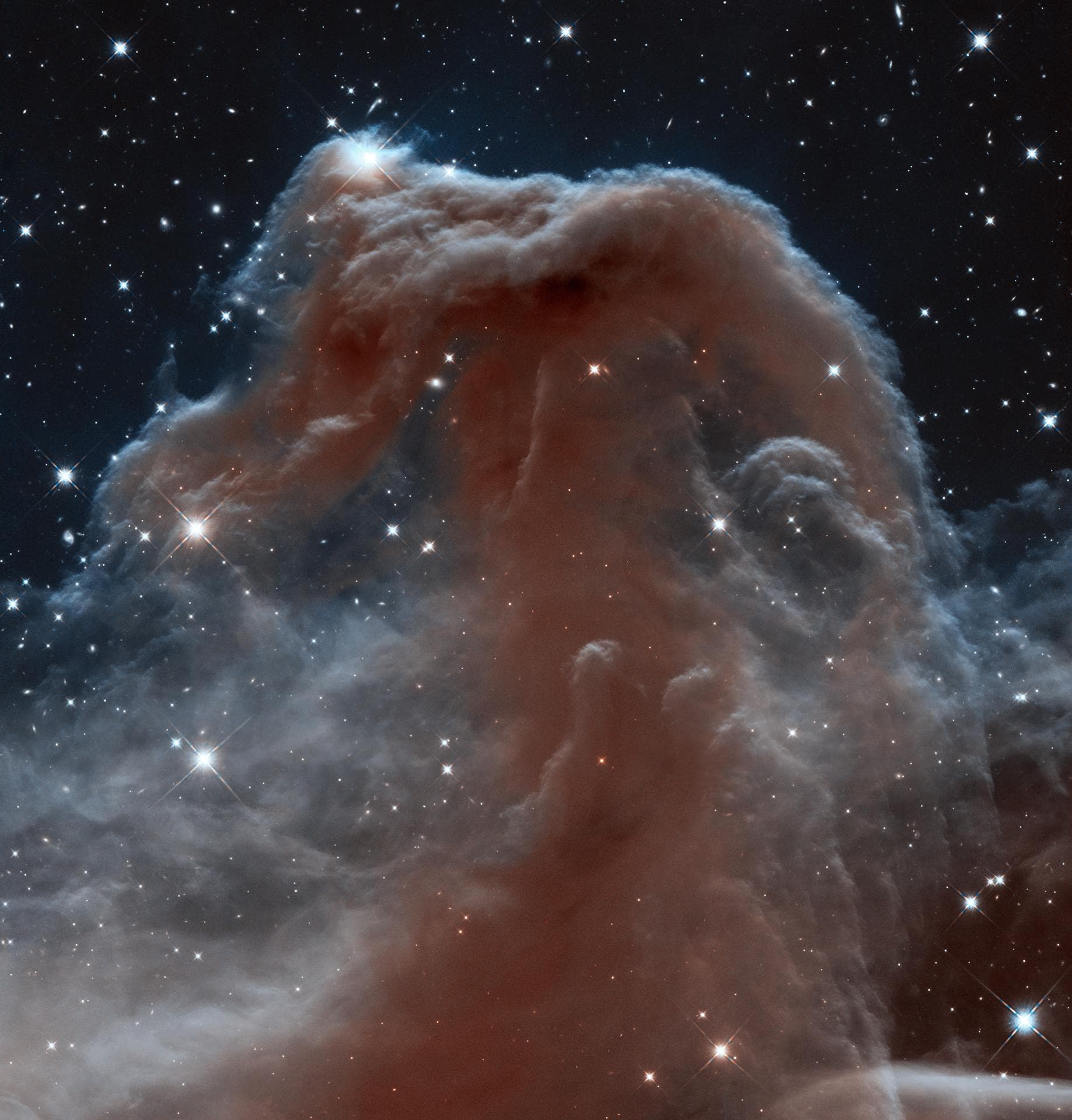
Barnard 33
Horsehead Nebula
A complete imaging platform
From GoTo to guiding to stacking — every piece of the astrophotography workflow in one cohesive, modern interface. All features below are included in the free, open-source core.
Capture & Imaging
Everything between pressing capture and a calibrated master frame.
Full Camera Control
Exposure, gain, offset, binning, ROI, cooling with temperature control. INDI, ASCOM Alpaca, and DSLR/Mirrorless (CR2/CR3/ARW) support.
Live Stack Preview
Sub-pixel alignment and sigma-clip stacking in real time. Watch your deep-sky target emerge as frames accumulate.
FITS Viewer + Histogram
Full-featured viewer with zoom, pan, auto-stretch, and WCS overlay. Per-channel RGB histogram with log scale and presets.
Frame Analysis
HFR, FWHM, star count, and 3x3 tile distortion computed per frame. Blink comparator to spot tracking issues instantly.
Flat Wizard & Calibration
Auto-exposure flat wizard targets your ideal ADU. Dark/flat calibration library manages master frames by temperature, binning and gain.
Image Annotation
WCS overlay with catalog labels directly on your frames. Identify objects, verify pointing, confirm framing — all in the viewer.
Automation & Control
Set it running before you go to bed. Check the results in the morning.
Advanced Sequencer
Multi-target sequences with conditions, triggers, nested loops, and per-filter offsets. Checkpoint recovery after power loss.
Auto Meridian Flip
Detects HA limit, flips, re-solves, re-centers, re-starts guiding — completely unattended. Configurable hour angle and direction.
Autofocus (V-Curve)
Automated V-curve focusing with temperature compensation and per-filter offsets. Backlash management and customizable step sizes.
Weather & Safety
Weather station integration monitors temperature, humidity, wind, clouds, and rain. Automatic park and dome closure when conditions are unsafe.
Dome & Rotator
Full dome control with shutter, azimuth tracking, and park. Rotator with absolute/relative positioning and sync-to-angle.
CLI Scripting
Run sequences from the command line with --run-sequence, --profile, --exit-after-sequence. Perfect for headless remote rigs.
Planning & Navigation
Know what to point at, when, and for how long — before the sun goes down.
Interactive Sky Map
WebGL sky with 100M+ stars, 530+ DSOs (Messier/Caldwell/NGC/IC), 88 constellations, planets, Milky Way, and time travel simulation.
Target Scheduler
Plan multi-night sessions. Scheduler picks the best target based on altitude, moon distance, horizon profile, and observation priority.
Remote Browser Control
Access the full UI from any device on your local network. Phone, tablet, or laptop — no installation needed on the client.
Polar Alignment Wizard
Automated capture-solve-rotate-solve workflow. Computes altitude and azimuth error with directional correction arrows.
Framing Assistant
Load DSS survey images with your FOV overlay directly on the sky map. Frame your target perfectly before starting the sequence.
Session Reports
Automatic nightly reports with HFR trend, guiding RMS, frames by filter, and OAL XML export for your observation log.
Built for the modern astronomer
Every panel is purpose-built. Dark-themed, information-dense, and designed to work in the field at night.
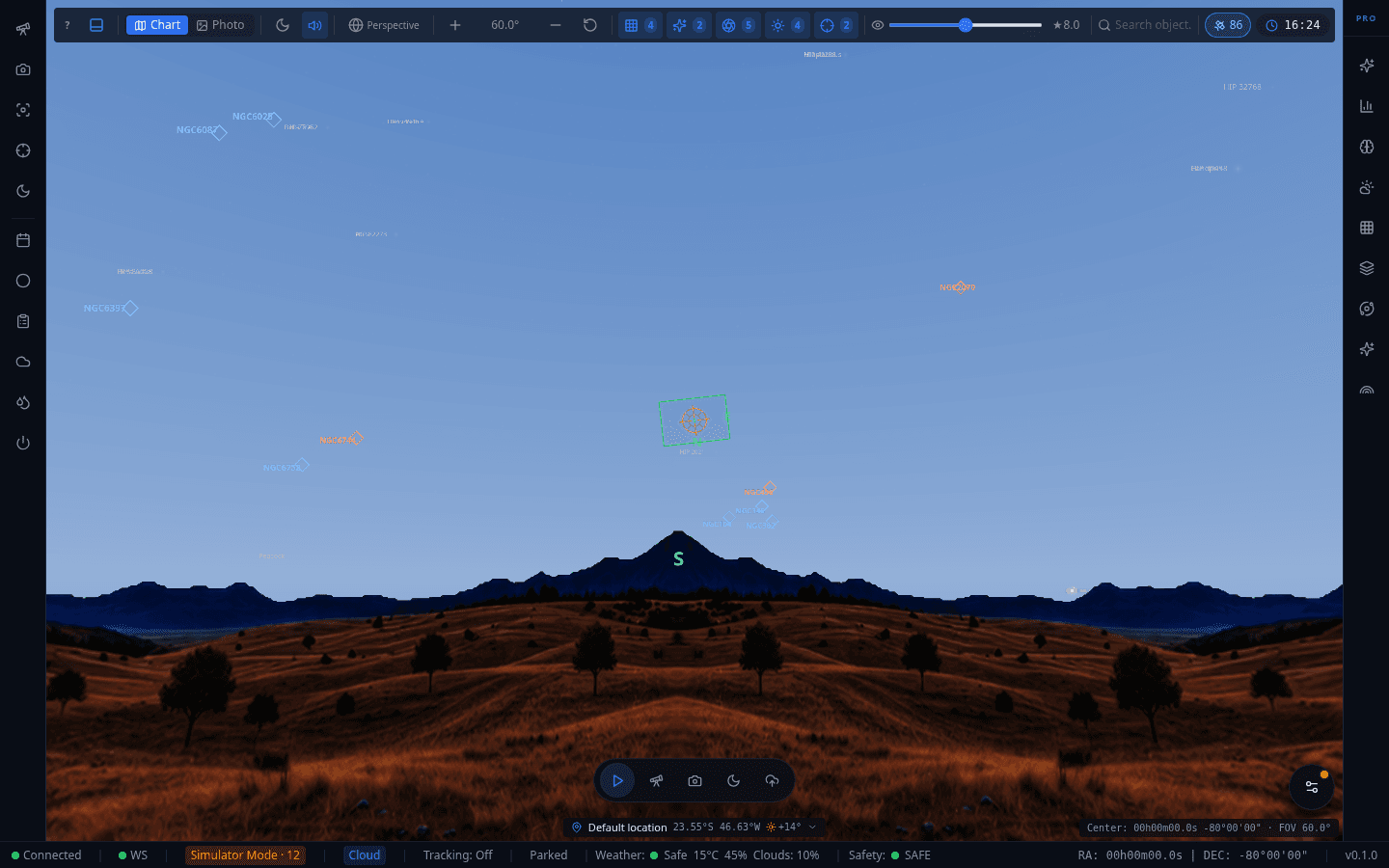
Interactive 3D sky map with Three.js. Search 100M+ stars, NGC/IC catalogs, 88 constellations with FOV overlay and GoTo commands.
Download OpenSkyLab
Free, open source, and runs entirely offline. No account required.
Linux
AppImage · Deb · RPM
All features · Recommended
Windows
NSIS Installer · MSI
ASCOM support included
macOS
DMG · Homebrew Cask
Apple Silicon + Intel
System Requirements
Want to build from source or contribute?
View on GitHub